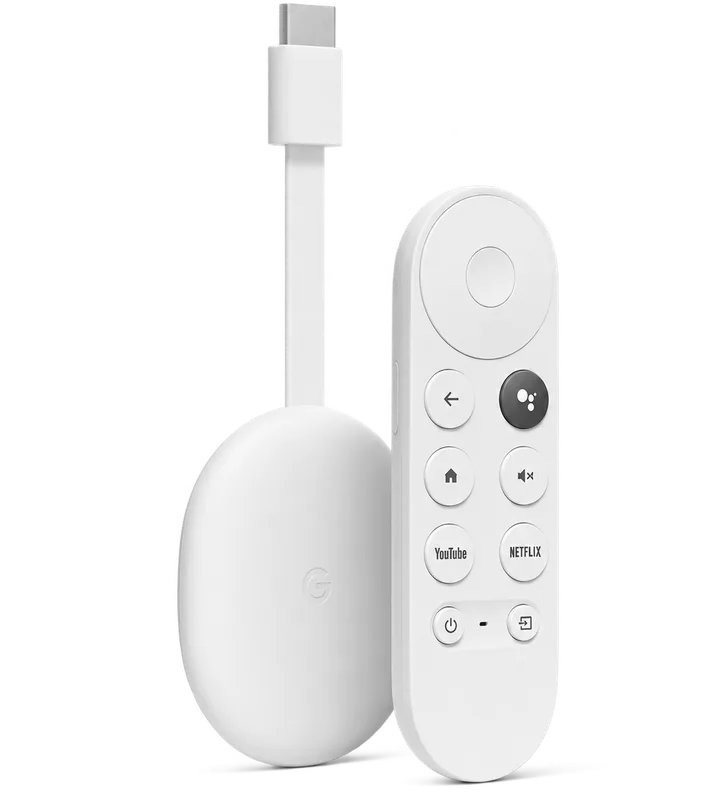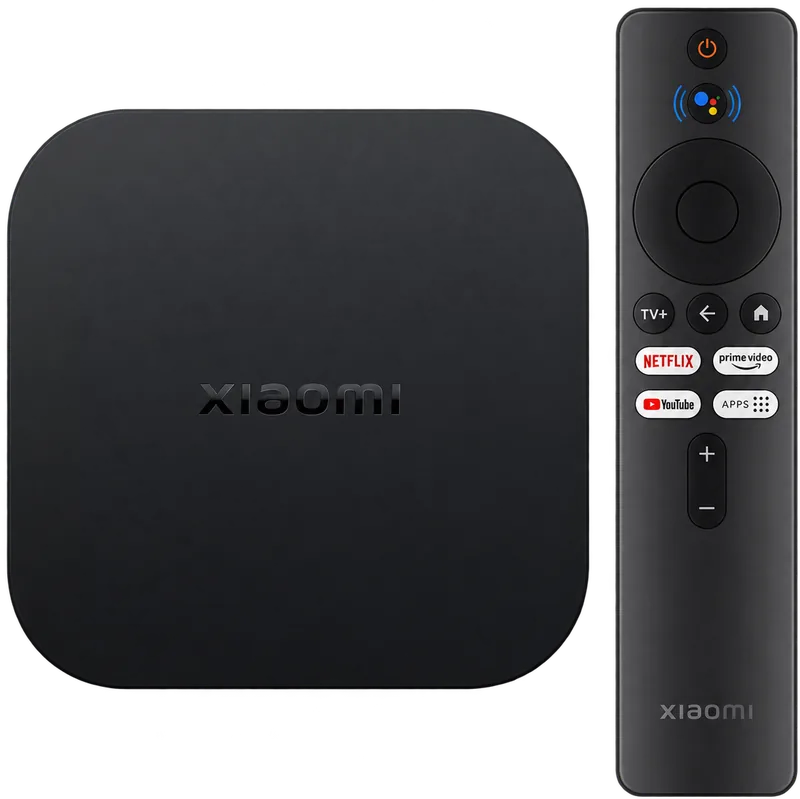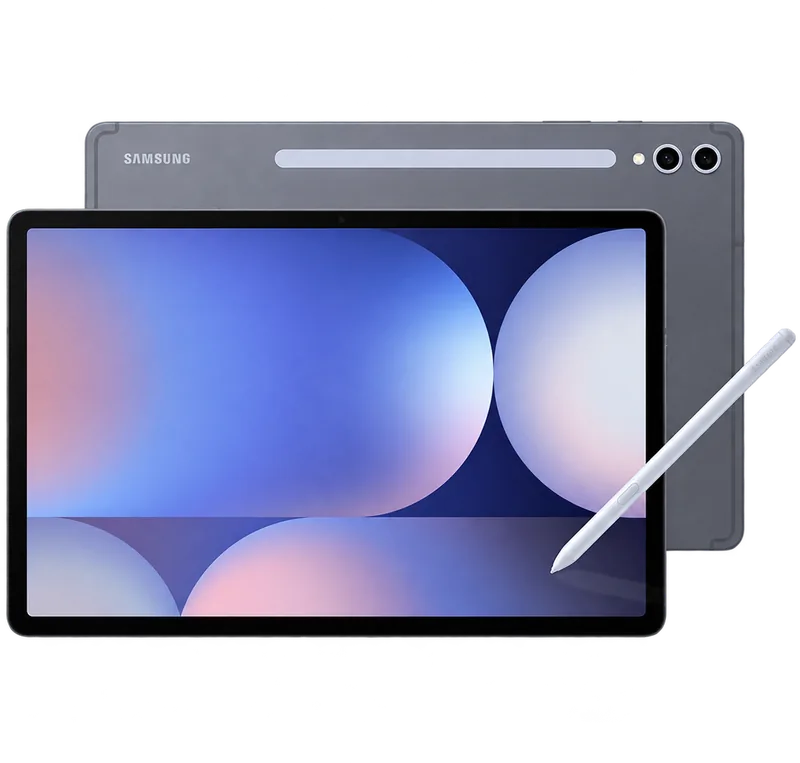
Every guide takes about five minutes and ends with you watching. Sign in to open the step-by-step guide for your device.
Follow the setup guide for your device. Each one walks you through installing the app step by step.
Use the WITV username and password from your welcome email. Find them any time under Services in your account.
Choose your language category, press play, and use catch-up to rewind up to seven days on supported channels.